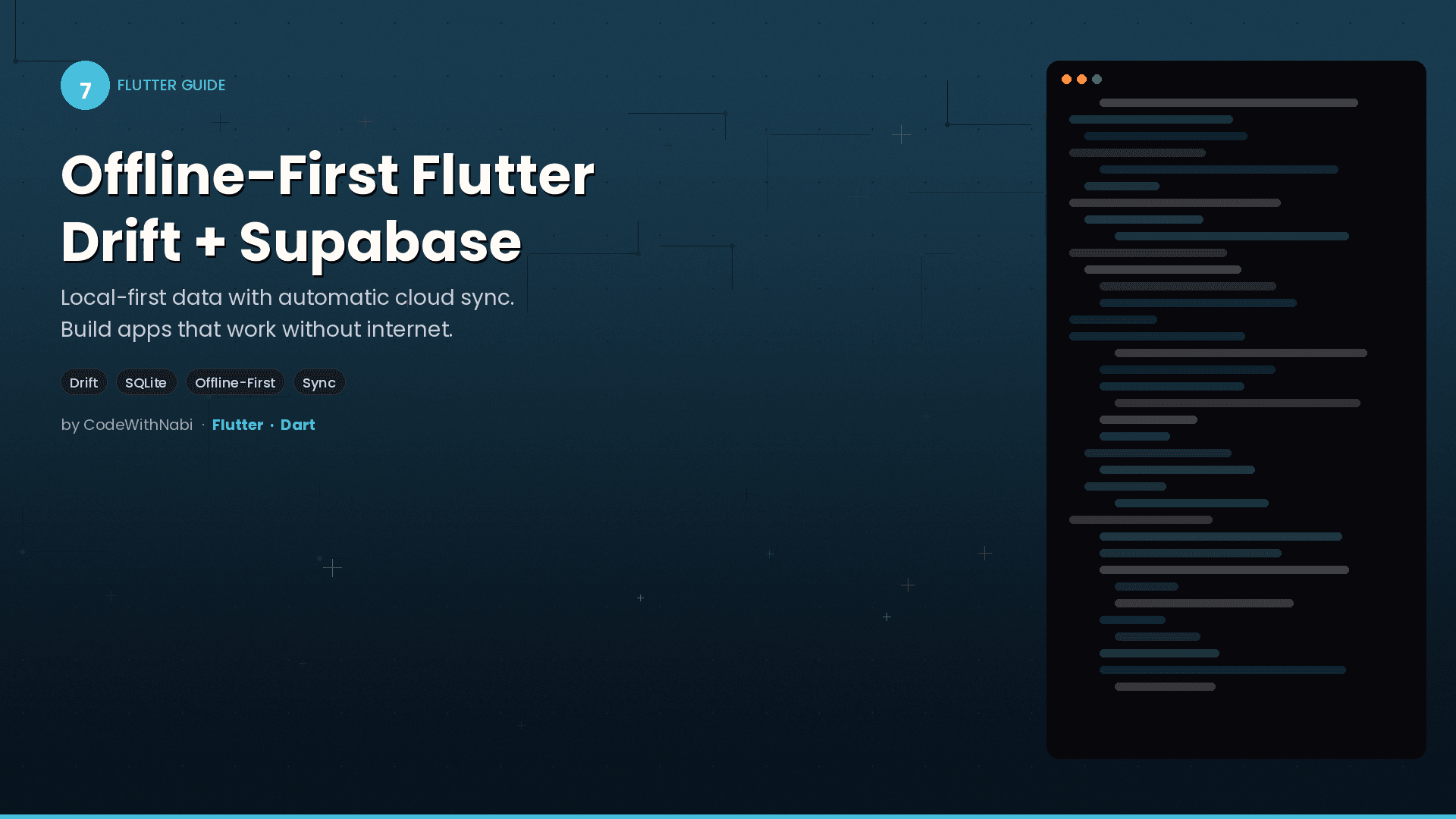

Building Offline-First Flutter Apps with Drift and Supabase
Nothing ruins a user experience faster than a spinning loader that never resolves because the train went through a tunnel. Your app should work perfectly offline, then quietly sync when connection returns. Here's how to build that.
What "Offline-First" Actually Means
Offline-first doesn't mean "works offline sometimes." It means your app treats local storage as the primary data source and remote sync as a background enhancement. The user never waits for the network. Ever.
User Action
    |
    v
Save to Local (Drift/SQLite) -- instant, always works
    |
    v
UI updates immediately
    |
    v (background)
Sync to Remote (Supabase/PostgreSQL) -- best effort
When the user taps "complete task," the change is saved to the local Drift database instantly. The UI reflects the change immediately. Then, in the background, the app tries to push the change to Supabase. If there's no internet, it queues the change for later.
The Architecture
The Data layer owns all the offline-first mechanics. The rest of your app doesn't even know remote sync exists.
Application Layer (Business Logic)
    |
    v  (calls abstract interface)
Domain Layer (Repository Interface)
    |
    v  (implemented by)
Data Layer (Repository Implementation)
    |
    +---> Local Data Source (Drift/SQLite)
    |
    +---> Remote Data Source (Supabase)
    |
    +---> Sync Service (orchestrates push/pull)
The Repository Facade
Your repository implementation is a facade that switches between local-only and hybrid mode:
class DisciplineRepositoryImpl implements DisciplineRepository {
  final LocalDisciplineRepository _local;
  final RemoteDisciplineRepository? _remote;
  final SyncService? _syncService;

  // Local-only mode (works perfectly without Supabase)
  DisciplineRepositoryImpl(this._local)
      : _remote = null, _syncService = null;

  // Hybrid mode (offline-first + background sync)
  DisciplineRepositoryImpl.hybrid({
    required LocalDisciplineRepository local,
    required RemoteDisciplineRepository remote,
    required SyncService syncService,
  }) : _local = local, _remote = remote, _syncService = syncService;

  @override
  Future<void> saveProgress(UserProgress progress) async {
    // Always save locally first
    await _local.saveProgress(progress);

    // If hybrid mode, queue for sync
    _syncService?.queueSync(progress);
  }
}
The beauty of this design: your entire app works in local-only mode. When you're ready for cloud sync, you flip to hybrid mode without changing any business logic or UI code.
Local Data Source with Drift
Drift gives you type-safe SQLite access with reactive queries. Your UI automatically updates when the database changes:
// Define your table
class ProgressTable extends Table {
  IntColumn get dayNumber => integer()();
  BoolColumn get isCompleted => boolean().withDefault(const Constant(false))();
  DateTimeColumn get updatedAt => dateTime()();
  BoolColumn get isDirty => boolean().withDefault(const Constant(false))();
}
That isDirty column is the secret sauce. When a record is modified locally but not yet synced, it's marked as "dirty." The sync service knows to push these records.
The Sync Service
This lives in the Data layer and handles all the push/pull/merge logic:
class SyncService {
  final LocalDataSource _local;
  final RemoteDataSource _remote;
  final Connectivity _connectivity;

  Future<SyncResult> syncAll() async {
    if (!await _isOnline()) {
      return SyncResult(success: false, error: 'No connection');
    }

    // 1. Push dirty records to remote
    final dirtyRecords = await _local.getDirty();
    for (final record in dirtyRecords) {
      await _remote.upsert(record);
      await _local.markClean(record.id);
    }

    // 2. Pull remote changes since last sync
    final lastSync = await _local.getLastSyncTime();
    final remoteChanges = await _remote.getChangesSince(lastSync);

    // 3. Merge with conflict resolution
    for (final change in remoteChanges) {
      await _mergeRecord(change);
    }

    return SyncResult(success: true);
  }
}
Conflict Resolution: Last-Write-Wins
The simplest strategy that works for most apps. Every record has an updatedAt timestamp. When local and remote conflict, the newer one wins:
Future<void> _mergeRecord(RemoteRecord remote) async {
  final local = await _local.getById(remote.id);

  if (local == null) {
    // New record from remote, just save it
    await _local.save(remote.toLocal());
    return;
  }

  if (remote.updatedAt.isAfter(local.updatedAt)) {
    // Remote is newer, overwrite local
    await _local.save(remote.toLocal());
  }
  // Otherwise keep local (it's newer or same)
}
For most apps, this is sufficient. If you need more sophisticated conflict resolution (like merging specific fields), implement it in the merge strategy.
Where Responsibilities Live
This is where developers get confused. Here's the clear boundary:
| Concern | Layer | Example |
|---|---|---|
| "Should I sync now?" | Data | Check connectivity, push if online |
| "Queue this for later" | Data | Save to sync queue |
| "Merge local + remote" | Data | Compare timestamps, resolve conflicts |
| "Is this order valid?" | Application | Check business rules |
| "Max 5 tasks per day" | Application | Enforce limits |
The Application layer decides what should happen. The Data layer decides how it happens in terms of storage and sync.
Setting Up Supabase (When You're Ready)
The app works perfectly offline-first with just Drift. When you want cloud sync:
- Create your Supabase project and run the SQL migrations
- Uncomment the remote data source code
- Switch from
DisciplineRepositoryImpl(local)toDisciplineRepositoryImpl.hybrid(local, remote, sync) - Everything else stays the same
@riverpod
DisciplineRepository disciplineRepository(Ref ref) {
  const useSupabaseSync = true; // Flip this switch

  if (useSupabaseSync) {
    return DisciplineRepositoryImpl.hybrid(
      local: ref.watch(localRepositoryProvider),
      remote: ref.watch(remoteRepositoryProvider),
      syncService: ref.watch(syncServiceProvider),
    );
  } else {
    return DisciplineRepositoryImpl(ref.watch(localRepositoryProvider));
  }
}
The Benefits You'll Feel Immediately
- Instant UI responses - No loading spinners for user actions
- Works everywhere - Subway, airplane, rural areas
- Resilient - Network drops don't cause data loss
- Testable - Each layer tests independently
- Flexible - Add or remove remote sync without touching business logic
- User trust - People love apps that just work
Start Small
You don't need Supabase on day one. Build your entire app with Drift as the local database. Get all your features working offline. Then, when you're ready for cloud sync, add the remote layer. The architecture supports this incremental approach by design.
Offline-first isn't a nice-to-have. In a world where users expect apps to work instantly, everywhere, all the time - it's a necessity. And with Drift and Supabase, it's surprisingly achievable.